






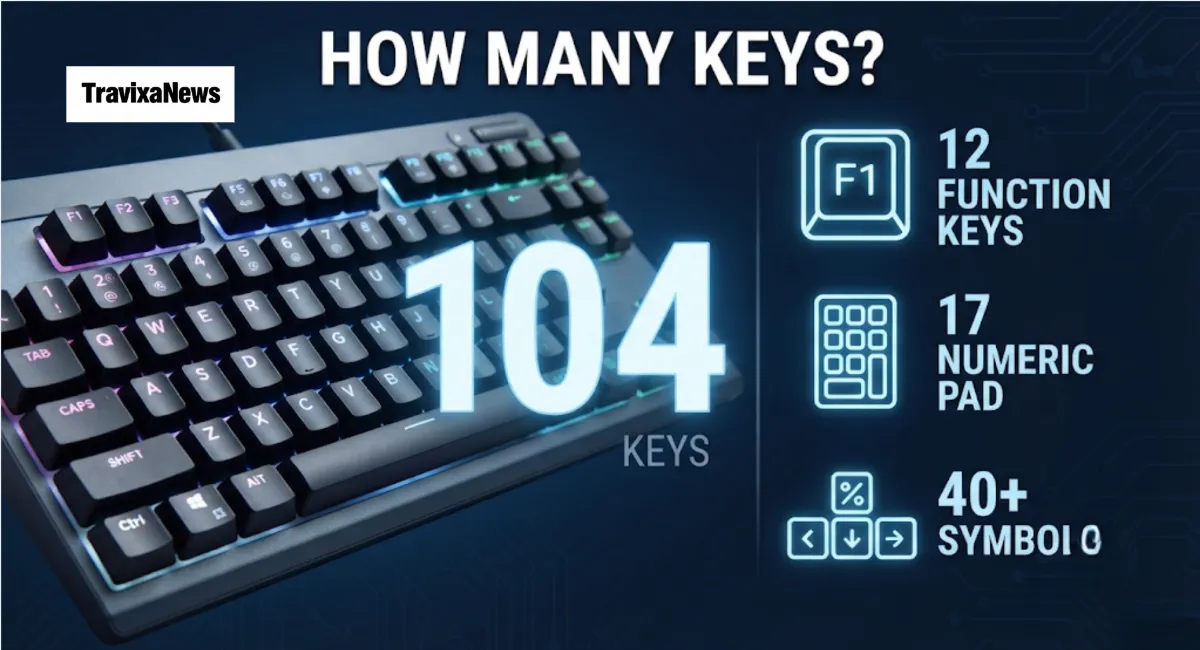
When you sit down to type on a computer every day, you rarely stop to think about the physical machinery under your fingers. There is no single universal standard dictating the exact number of keys on a keyboard, though most manufacturers use the standard PC layout with 104 alphanumeric keys as a de facto benchmark.
Because manufacturers, layouts, and operating systems vary widely, key counts differ from model to model. In this comprehensive guide, we will break down the exact count of keys on keyboards—from standard PC layouts and laptops to function keys, numeric keypads, and symbols.
Standard PC vs. Apple Keyboard Layout Counts
Keyboard layouts differ significantly depending on the manufacturer and the region where they are sold.
IBM and Windows PC Keyboards
United States QWERTY keyboards serve as the baseline for most counts, though other countries often add extra keys (for instance, UK QWERTY keyboards feature one additional key).
- Original IBM PC Keyboard (1981): 83 keys
- Updated IBM PC Keyboard / AT Keyboard (1984): 84 keys
- AT Enhanced / US Traditional Keyboard: 101 keys
- Enhanced European Keyboard: 102 keys
- Windows Keyboard: 104 keys
- Windows-based Laptop Keyboard: 86 keys
- Windows Multimedia Keyboards: Count varies based on the number of dedicated special keys present.
Apple Keyboards
Apple designs its hardware configurations differently, resulting in distinct key counts:
- Apple Keyboard with Numeric Keypad: 109 keys
- Apple Wireless Keyboard & MacBook Air Laptops: 78 keys
Specialized and Gaming Keyboards
Other keyboard configurations—such as Korean, Japanese, and Brazilian layouts—frequently include more than 104 keys. Additionally, keyboards built with Media Center functionality, disc drive controls, or programmable macro keys for gaming typically feature 110 to 115 keys depending on their extra features.
Detailed Breakdown of Specific Key Types
To understand how a keyboard reaches its total count, it helps to examine individual sections:
- Function Keys (F1F1F1 through F12F12F12): Traditional PC keyboards feature 12 function keys (F1 to F12), while some specialized variants include 24 (F1 to F24). Apple desktop keyboards with a number pad feature 19 function keys (F1 to F19).
- Numeric Keypad: Most desktop keyboards include a numeric keypad consisting of 17 keys on PCs and 18 keys on Apple models. Laptops with a 15-inch or larger screen often include one, while smaller models omit it. External USB keypads can vary widely, sometimes featuring up to 31 keys.
- Number Keys: The top alphanumeric row contains 10 number keys (1 through 0). When combined with a full numeric keypad, a keyboard totals 20 number keys.
- Alphabetic & Character Keys: An English computer keyboard contains 26 alphabetic keys matching the 26 letters of the alphabet. In total, an English QWERTY desktop keyboard has 47 character keys (26 letters, 10 numbers, and 11 standalone symbols).
- Symbols: An English QWERTY keyboard features 40 distinct symbols (such as
~,!,@,#,$, and%) distributed across 28 physical keys, meaning many keys house dual symbols. - Arrow Keys: There are 4 standard arrow keys (up, down, left, right), which can effectively double to 8 if you count duplicated directional controls embedded within a PC numeric pad.
- Control & Modifier Keys: A full-sized US QWERTY desktop keyboard contains 9 control keys (Print Screen, Scroll Lock, Pause/Break, Insert, Home, Page Up, Delete, End, Page Down) and 9 modifier keys (2 Alt keys, 1 Caps Lock key, 2 Ctrl keys, 2 Shift keys, and 2 Super/Windows keys), plus an optional Fn key.
How Many Rows of Keys Are on a Keyboard?
If you look straight across a standard desktop keyboard, there are six total rows of keys, beginning with the top function row down to the spacebar row.
Three central rows—the top row, home row, and bottom row—contain the alphabetic letter keys, arranged in standard QWERTY order rather than alphabetical sequence. When typing correctly, your fingers rest primarily on the central home row.
Read More Also – Understanding the HTML Color Code #F8F8FF | White Dot on Mobile Screen