






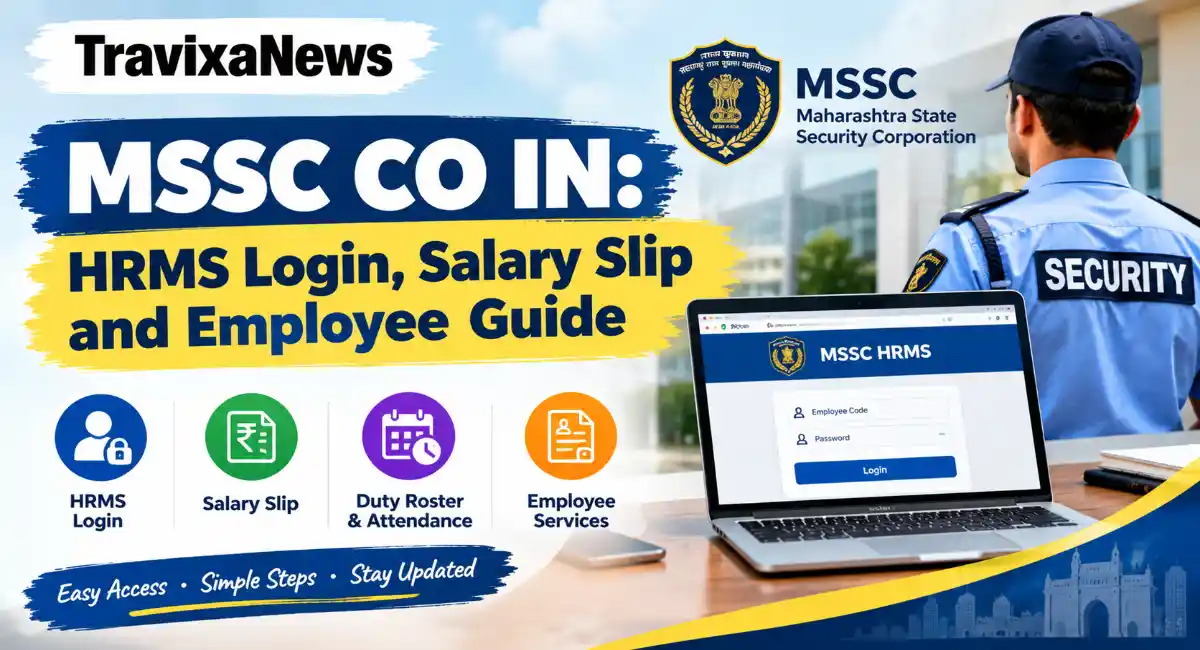
If you work with the Maharashtra State Security Corporation (MSSC), you may have searched for mssc co in to check your employee details, salary slip, attendance, or other work-related records.
MSSC is responsible for providing trained security personnel to government offices, financial institutions, public infrastructure, and other establishments across Maharashtra. Managing employee information is an important part of this work.
Online HR systems can make it easier to access employment records without relying entirely on paperwork. However, employees should know which portal to use and how to protect their personal information before entering their login credentials.
This guide explains MSSC HRMS, its commonly reported features, login-related issues, and the safest way to seek help.
What Is MSSC HRMS?
HRMS stands for Human Resource Management System. It refers to software used to manage employee information and administrative activities.
MSSC stands for Maharashtra State Security Corporation, a statutory corporation established under the Maharashtra State Security Corporation Act, 2010. Its official website provides information about the organisation, recruitment, training, services, and other announcements.
An employee HRMS portal is generally intended to make employment-related information easier to manage. Depending on the system and the employee’s access permissions, such services may include salary records, attendance, leave information, and personal details.
It is important to understand that the public MSSC website and an employee login portal serve different purposes. Public pages can be viewed by visitors, while employee systems require authorised access.
MSSC CO IN Login: What Should Employees Know?
The website mssc.co.in currently displays a login page with username and password fields. However, the official MSSC website at mahasecurity.gov.in does not currently provide a direct link confirming that mssc.co.in is its authorised employee HRMS portal.
For this reason, employees should confirm the correct login address with their unit office, supervisor, or MSSC administration before entering their credentials.
Once your organisation has confirmed the correct portal, the general login process is straightforward:
- Open the verified employee portal in your browser.
- Enter the username or employee identification details provided to you.
- Type your password carefully.
- Complete any additional verification requested by the system.
- Open the relevant section after successfully signing in.
Your exact login ID and available services depend on the system used by your organisation. Do not assume that every portal uses the same employee code format.
Who Can Use MSSC HRMS?
An internal employee management system is generally intended for authorised staff rather than the general public.
The people who may require access to MSSC-related employee services include:
- Security personnel: To check employment information and other available staff services.
- Supervisory staff: To manage assigned administrative responsibilities.
- HR personnel: To maintain employee records and handle authorised requests.
- Administrative staff: To manage relevant workforce information according to their permissions.
The actual access available to each employee depends on the authorised system and their assigned role. Job applicants should use the official recruitment section of the MSSC website for recruitment notices and application instructions instead of assuming that an employee login is required.
Key Features Commonly Associated With HRMS MSSC
Employee HRMS platforms can bring several administrative services together in one place. The features below are commonly associated with employee management systems, but their availability on the particular MSSC portal should be confirmed with the organisation.
1. Salary Slip and Payroll Information
Employees may need salary statements for personal records, loan applications, financial planning, or other official purposes.
If an authorised MSSC employee portal provides payslips, the relevant document would normally be available through its salary or payroll section. Employees should contact their administrative unit if they cannot find the required statement.
2. Attendance and Duty Records
Attendance records are important for staff working scheduled shifts or assigned to different locations.
An HR system may help authorised users review recorded attendance and report discrepancies. For corrections involving duty records, employees should follow the procedure provided by their supervisor or administrative office.
3. Leave and Employee Details
Some HR systems allow employees to review their personal information, check leave records, or submit requests online.
Before making changes to personal details, make sure you are using the authorised system and follow the instructions provided by your HR department.
4. Posting and Service Information
Security personnel may need to confirm their posting, assignment, or other employment details.
If this information is not available online, the relevant unit office or supervisor is the appropriate place to request clarification.
5. Administrative Support
An HR department can help employees with record corrections, salary-related questions, login access, and other service matters. The exact method for raising requests varies between organisations and systems.
How to Download an MSSC Salary Slip
If you need an MSSC salary slip, first confirm how employees at your unit are expected to access payroll records.
If your authorised employee portal provides a salary-slip facility, follow these general steps:
- Sign in using your verified login details.
- Look for a section named Salary, Payroll, or Payslip.
- Select the relevant salary month or period.
- Open the available statement and check the details.
- Download or print the document if the option is provided.
If the salary section is missing or the document will not open, contact your HR or payroll office. Do not download sensitive salary documents from an unfamiliar website.
Common MSSC HRMS Login Problems and Solutions
Login problems can occur because of incorrect credentials, outdated contact information, browser issues, or account permissions.
Incorrect username or password: Recheck the details provided by your administrator. Avoid repeated attempts if the account may become locked.
Forgotten password: Use the reset option only if it is available on the verified portal. If you cannot reset your password, ask your authorised administrator for assistance.
Login page not opening: Check your internet connection and try an updated browser. If the problem continues, confirm whether the portal is currently available through your administrative unit.
OTP not received: If the system uses OTP verification, check that your registered contact details are correct. Ask the responsible office to help update them if necessary.
Salary slip or attendance details missing: The information may not yet be available, or your account may not have the required permissions. Contact the relevant department rather than repeatedly submitting requests.
Official MSSC Website and Contact Details
If you are unsure about the employee portal, use the official Maharashtra State Security Corporation website to find organisational information and contact details.
- Official website: https://www.mahasecurity.gov.in/
- Email: info.mahasecurity@maharashtra.gov.in
- Telephone: 022-69965555 or 022-69965528
These contact details are listed on the corporation’s official website. For a portal-specific issue, explain that you need to verify the correct employee login address or obtain assistance with your account.
Never send your password, OTP, or other confidential login information by email or phone.
Is There an Official MSSC HRMS Mobile App?
A dedicated MSSC HRMS mobile application could not be confirmed from the official information reviewed for this article.
If you want to access employee services from a smartphone, first ask your administrative unit whether a mobile-friendly portal or authorised application is available. Avoid installing applications from unknown links shared through messages or unofficial websites.
Final Thoughts
Searching for mssc co in can help you find the MSSC login page and related information, but finding a login screen does not automatically confirm that it is the correct official portal.
Before accessing salary slips, attendance records, or personal employment details, verify the login address with Maharashtra State Security Corporation through its official website or your administrative unit.
Once you have confirmed the correct system, keep your login information secure and contact the appropriate department whenever you face an account or record-related problem.
Disclaimer: This article is for general informational purposes and is not an official publication of the Maharashtra State Security Corporation. The connection between mssc.co.in and the corporation’s official website could not be independently confirmed. Employees should verify portal access and procedures directly with MSSC before entering personal information.
Read More Also – ION Digital Zone Near Me | White Dot on Mobile Screen