






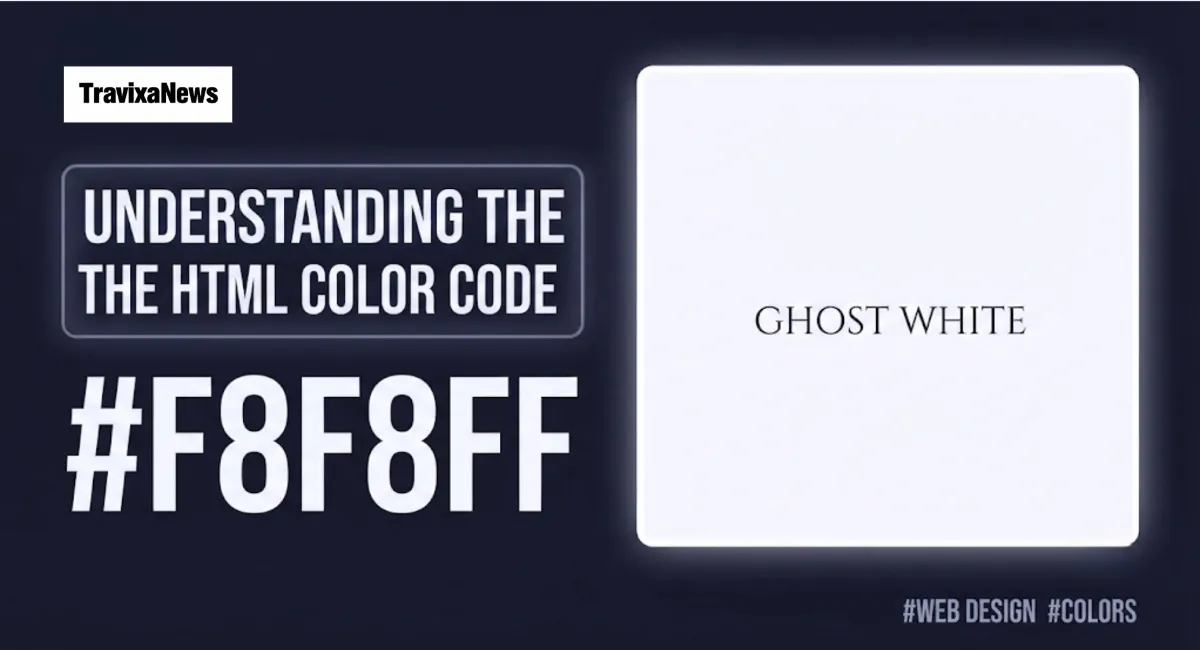
When building modern, clean, and minimalist web interfaces, choosing the right shade of white can make all the difference. Pure white (#FFFFFF) can often feel stark, clinical, or overly bright on high-definition screens, leading to eye strain. That is where subtle off-white tones come into play. One of the most elegant and versatile choices in web development is #F8F8FF, officially recognized by its W3C color name: Ghost White.
In this detailed guide, we will explore everything you need to know about Ghost White, its technical values, how it behaves across different backgrounds, and how you can easily implement it in your HTML and CSS projects.
What is Ghost White?
Ghost White is an extremely pale, delicate shade of white that carries a very faint hint of blue-violet undertones. Because it is so close to pure white, it provides a soft, breathable canvas for web pages without the harsh glare of a standard 100% white background.
It gets its name from its ghostly, ethereal appearance—barely tinted, clean, and exceptionally modern.
Technical Color Specifications
If you are integrating Ghost White into your design system, style sheet, or graphic design tools (like Canva or Photoshop), here are the exact color breakdowns:
- HTML Hex Code:
#F8F8FF - W3C / Common Name: GhostWhite / Ghost White
- RGB Values:
248, 248, 255(High concentrations of red, green, and a slightly higher blue value, giving it its cool undertone) - HSL Values:
240deg, 100.00%, 98.63% - Web-Safe Color: No (Though not part of the legacy 216-color web-safe palette, it is fully supported by all modern web browsers and high-density displays).
- Complementary Color:
#FFFFF7(Light White)
How Ghost White Looks on Different Backgrounds
Understanding how a color reacts against contrasting backdrops is essential for readability and user experience (UX).
- On a White Background: When used as a font or accent color against a standard white background,
#F8F8FFprovides an extremely subtle, low-contrast look. It is typically used for delicate decorative text, muted watermarks, or subtle UI borders rather than primary body text, as it blends closely with pure white. - On a Dark or Black Background: When placed against a dark background, Ghost White shines as a crisp, soft-glowing text color. It cuts down the harsh contrast of pure white text on black, creating a comfortable, premium reading experience that is popular in modern dark-mode layouts.
How to Use #F8F8FF in HTML and CSS
Implementing Ghost White in your web projects is straightforward. You can apply it using its color name, Hex code, RGB values, or HSL values depending on your stylesheet preference.
1. HTML Inline Examples
If you want to apply the color directly to specific elements using inline styles:
HTML
<!-- Using the W3C Color Name -->
<p style="color:ghostwhite;">Your text using color name.</p>

<!-- Using the Hex Code -->
<p style="color:#F8F8FF;">Your text using HTML color code.</p>

<!-- Using RGB Values -->
<p style="color:rgb(248 248 255);">Your text using RGB color values.</p>

<!-- Using HSL Values -->
<p style="color:hsl(240deg 100.00% 98.63%);">Your text using HSL color values.</p>
2. CSS Stylesheet Examples
For cleaner, scalable code, you can define your styles within your CSS file or <style> tags:
CSS
/* Styling paragraphs globally or via classes */
p.ghost-text {
  color: ghostwhite;
}

div.subtle-bg {
  background-color: #F8F8FF;
}

span.rgb-example {
  color: rgb(248, 248, 255);
}

a.hsl-link {
  color: hsl(240, 100%, 98.63%);
}
Best Practices for Web Design
- Background vs. Text: Due to its extreme lightness,
#F8F8FFworks exceptionally well as a background color for cards, sections, or entire web pages when you want to soften a layout. If used as text, ensure your background is sufficiently dark (like dark charcoal or deep navy) to maintain proper accessibility and contrast ratios. - Pairing with Complementary Shades: Pairing Ghost White with its complementary shade, Light White (
#FFFFF7), or deeper slate grays creates a harmonious, clean, and professional aesthetic ideal for portfolios, corporate websites, and modern blogs.
By incorporating Ghost White into your digital toolkit, you can elevate your UI design with subtle sophistication and flawless cross-browser compatibility.
Read More Also – MSSC CO IN | ION Digital Zone Near Me | White Dot on Mobile Screen