





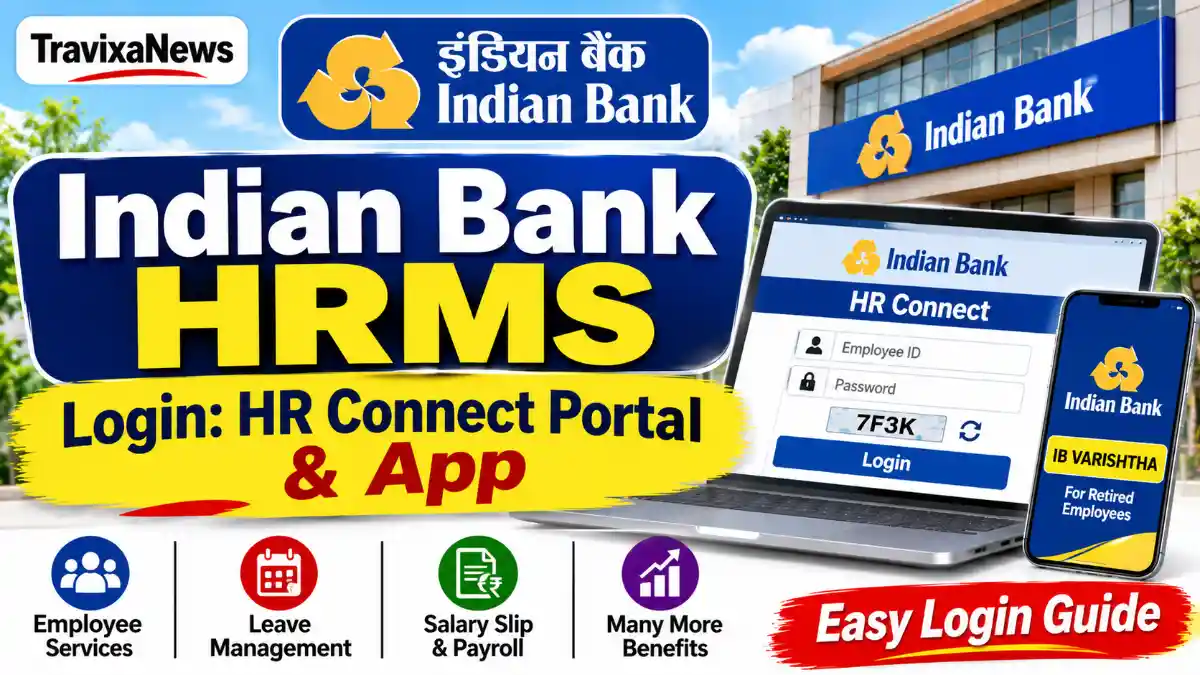
Indian Bank provides an online Human Resource Management System (HRMS) to help its employees manage their work-related activities. Known as HR Connect, this platform brings several employee services together in one place.
Through the Indian Bank HRMS portal, authorised employees can access their salary details, leave records, attendance information, employee profiles and other HR-related services. The system also supports pension and retirement-related activities.
Indian Bank has also introduced IB VARISHTHA, an official HRMS mobile application specially designed for retired employees. It provides access to pension slips, personal profile details, tax documents and grievance services.
In this guide, we will explain how to access the Indian Bank HRMS login portal, explore its main features, understand its benefits and learn about the latest mobile app for retired employees.
What Is Indian Bank HRMS?
Indian Bank HRMS, also known as HR Connect, is the bank’s official Human Resource Management System. It provides a digital platform for managing employee information and handling different HR activities.
Indian Bank was established in 1907 in Chennai. As a public sector bank, it manages a large workforce across its branches and offices.
The HR Connect portal helps the bank manage employee records, payroll, attendance, leave and other administrative activities. It also gives employees access to important work-related information without depending on physical documents for every request.
The platform uses Oracle PeopleSoft technology and provides authorised access to employee services.
Following the merger of Allahabad Bank with Indian Bank in April 2020, former Allahabad Bank employees also became part of the combined organisation.
Read More Also – APBCR Full Form in Banking: Meaning, Uses and How It Works
Indian Bank HRMS Login – Official Website
Employees can access the HR Connect portal through the official Indian Bank website.
Official HRMS Portal: https://hrconnect.indianbank.bank.in/
Follow these steps to access your account:
- Open Google Chrome or another trusted web browser.
- Visit the official Indian Bank HR Connect website.
- Open the employee login page.
- Enter your User ID or Employee ID as required.
- Enter your bank-provided password.
- Complete the additional verification process if requested.
- Submit your details to access the HRMS dashboard.
After successful login, you can use the employee services available to your account.
Important: Indian Bank HR Connect is an employee management portal, not a general banking website. You need authorised login credentials to access its services. The login process and verification requirements may vary depending on the bank’s current security settings.
How to Access Indian Bank HRMS from Home?
Employees who need to access HR-related information outside their workplace should follow the bank’s authorised remote-access instructions.
The availability of remote access may depend on the employee’s permissions and the bank’s security policies.
If you cannot access the portal from home, contact your branch IT officer or the bank’s authorised IT support team. They can guide you about the available remote-access options.
Do not use unofficial websites or third-party applications that claim to provide Indian Bank employee login services.
Key Features of Indian Bank HRMS
Indian Bank HRMS offers several facilities to help employees manage their professional information and daily administrative work.
Here are some of its important features.
1. Salary Slip and Payroll Information
Employees can access their salary-related information through the HR Connect portal.
The payroll facility helps them check available monthly salary records and other payment details. Depending on their account permissions, employees may also be able to download salary slips for their records.
2. Form 16 and Tax Documents
The HRMS platform supports payroll and tax-related activities.
Employees can use the available tax document facilities to access relevant salary and tax information. Form 16 and other documents may be provided according to the bank’s current payroll process.
These records can be useful when preparing income tax returns and checking annual salary details.
3. Online Leave Management
Leave management is one of the important features of Indian Bank HRMS.
Employees can use the online system to manage leave-related activities. It helps them submit requests, check available information and follow the approval process.
The facility reduces paperwork and makes leave management more organised.
4. Attendance Management
The attendance module helps the bank maintain employee attendance records.
Employees can access the attendance-related services available to their accounts. This makes it easier to manage attendance information through a centralised platform.
5. Performance Appraisal
Indian Bank HRMS supports performance management and appraisal-related activities.
The system helps employees and authorised officers manage performance information and related assessment processes.
It also makes it easier to maintain appraisal records digitally.
6. Staff Loan Information
Employees may access information related to their eligible staff loans through the available HRMS facilities.
These records can help them review relevant loan details and manage their financial information.
The exact loan information available depends on the bank’s internal services and employee permissions.
7. Employee Profile and Service Records
The employee profile section contains important personal and professional information.
It helps maintain employee records, including relevant service details and employment information.
This centralised record system makes it easier for authorised employees to access their information when required.
8. Pension and Retirement Services
Indian Bank HRMS also supports retirement-related services.
Retired employees can access the facilities made available to them through the bank’s pension and HRMS systems.
For mobile access, Indian Bank has introduced a dedicated application called IB VARISHTHA.
9. HR Notices and Updates
Employees can access important bank-related information through the available internal communication facilities.
These updates may include HR announcements, policy information and other official notices.
It helps employees stay informed about important developments within the bank.
Read More Also – PNB HRMS 2.0 Login: PNB Parivar Portal, Features, App & Benefits
What Is IB VARISHTHA? Indian Bank’s Latest HRMS App for Retirees
IB VARISHTHA is the official HRMS mobile application developed by Indian Bank for its retired employees.
The application was introduced in 2026 and is designed to help pensioners access important HR-related services through their smartphones.
According to its official Google Play Store listing, the app provides the following facilities:
- Profile Management: Retired employees can view and update their available personal information.
- Pension Details: Access monthly pension slips and related statements.
- Tax Documents: Check available pension-related tax information.
- Grievance Redressal: Submit queries to the bank’s HR department and monitor their status.
- Official Notifications: Receive updates about retiree benefits, welfare schemes and bank announcements.
- Secure Access: The application is intended for verified Indian Bank retirees with authorised credentials.
How to Download IB VARISHTHA?
Retired Indian Bank employees can follow these steps:
- Open the Google Play Store on your Android smartphone.
- Search for IB VARISHTHA.
- Check that Indian Bank is listed as the developer.
- Tap the Install button.
- Open the application after installation.
- Follow the bank’s instructions to access your account.
You can also visit the official IB VARISHTHA Google Play Store page.
Note: IB VARISHTHA is specifically designed for retired Indian Bank employees. It should not be confused with IndSMART or IndOASIS, which are Indian Bank’s regular mobile banking applications.
Benefits of Using Indian Bank HRMS
Indian Bank HRMS makes several employee-related activities easier by bringing them together on a digital platform.
Here are some important benefits.
1. Saves Time: Employees can access various HR services online instead of depending on physical documents for every task.
2. Easy Salary Access: The payroll facility helps employees check available salary information and payslips.
3. Better Leave Management: Online leave facilities make it easier to submit and manage leave requests.
4. Centralised Employee Records: Personal and professional information is maintained through a common HR platform.
5. Improved Transparency: Employees can access relevant HR information and follow available administrative processes.
6. Pensioner Support: Retired employees can use IB VARISHTHA to access pension slips, tax documents and other available services.
7. Digital Communication: Online notices and updates help employees stay informed about important bank information.
Does Indian Bank HRMS Support Former Allahabad Bank Employees?
Yes. Allahabad Bank merged with Indian Bank in April 2020.
Following the merger, former Allahabad Bank employees became part of Indian Bank’s combined workforce. Their employment-related services are managed under the bank’s integrated HR structure.
Eligible employees can access the HR Connect services using the credentials and instructions provided by Indian Bank.
For questions about old service records, salary details or employment information, employees should contact their HR department.
What to Do If Indian Bank HRMS Login Is Not Working?
Sometimes employees may face problems while accessing the HR Connect portal. This can happen because of incorrect credentials, browser issues, network problems or account-related restrictions.
Here are a few steps you can try:
- Check Your User ID: Make sure you are entering the correct Employee ID or login username.
- Verify Your Password: Check that your password is correct and that Caps Lock is not enabled.
- Check Your Internet Connection: A slow connection may prevent the login page from loading properly.
- Enable Browser Cookies: The PeopleSoft login page requires cookies to be enabled.
- Try Another Browser: Open the official portal in an updated browser.
- Contact IT Support: If your account remains inaccessible, contact your branch IT officer or authorised bank support team.
For pensioner app-related problems, you can contact the support details provided in the official IB VARISHTHA listing.
Never share your password or OTP with anyone, including people claiming to be bank support representatives.
Read More Also – HRMS Login UCO Bank: Official Portal, UCO HRMS+ App & Features
Frequently Asked Questions (FAQs)
1. What is the official website for Indian Bank HRMS login?
The official Indian Bank HRMS portal is https://hrconnect.indianbank.bank.in/. Authorised employees can visit this website and log in using their bank-provided credentials.
2. What is Indian Bank HR Connect?
HR Connect is Indian Bank’s official Human Resource Management System. It provides access to employee services such as payroll, leave management, attendance, employee records and other HR-related facilities.
3. What is IB VARISHTHA?
IB VARISHTHA is Indian Bank’s official HRMS mobile application for retired employees. It provides access to pension slips, profile management, tax documents, grievance services and official notifications.
4. Can former Allahabad Bank employees use Indian Bank HRMS?
Yes. Following the 2020 merger, former Allahabad Bank employees became part of Indian Bank. Eligible employees can access HR Connect using their authorised credentials.
5. How can I fix an Indian Bank HRMS login problem?
Check your User ID and password, make sure browser cookies are enabled and try using an updated browser. If the issue continues, contact your branch IT officer or the bank’s authorised IT support team.
Read More Also – Airtel Payments Bank IFSC Code: AIRP0000001, Transfers and Banking Guide


