






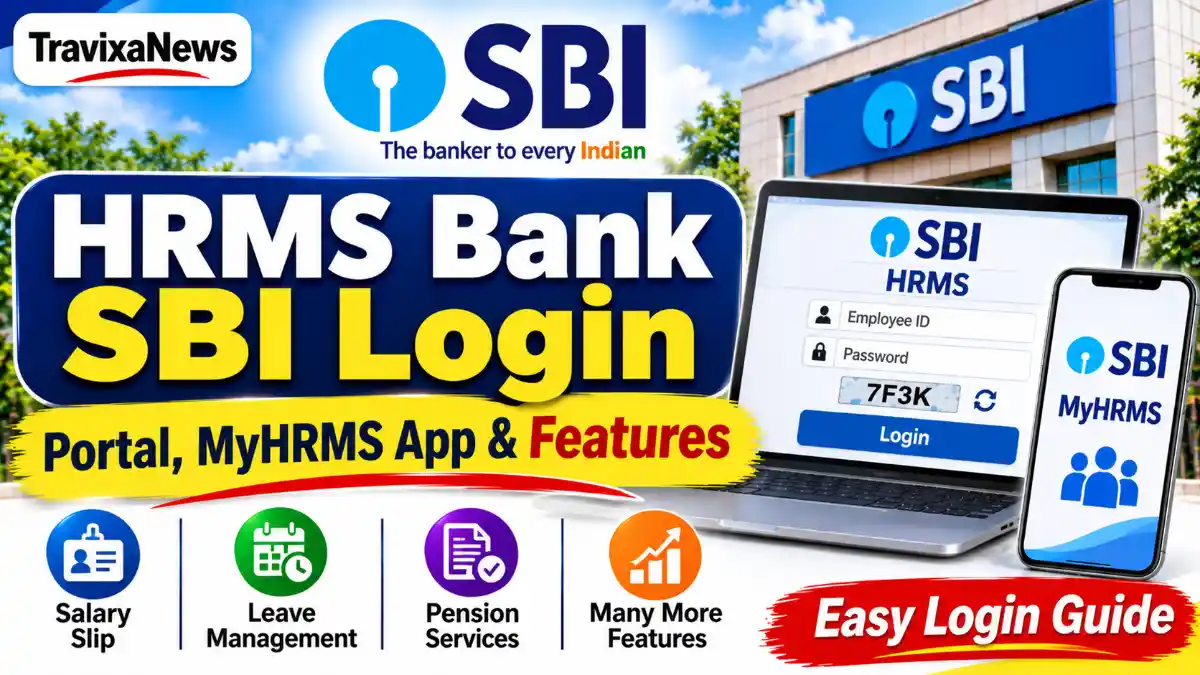
hrms.bank.sbi login: The State Bank of India (SBI) provides an online Human Resource Management System (HRMS) to help its employees manage their work-related activities. Through this platform, employees can access important HR services, check their records and manage different employment-related tasks.
The SBI HRMS login portal is designed for serving employees, retired staff and eligible family pensioners. It brings several employee services together, making it easier to access important information without depending on physical documents for every task.
SBI also offers a dedicated mobile application called MyHRMS. The app provides access to services such as leave applications, employee profiles, pension ID downloads and Video Life Certificate submission.
If you are searching for hrms.bank.sbi login, this guide explains the correct SBI HRMS website, login process, mobile app, important features and benefits.
What Is SBI HRMS?
SBI HRMS is the official Human Resource Management System of the State Bank of India. It is designed to manage employee information and provide digital access to different HR-related services.
SBI is India’s largest public sector bank, with employees and branches across the country and overseas. Managing such a large workforce requires a centralised system for payroll, employee records, leave, retirement and other administrative activities.
The HRMS platform helps bring these services together in one place.
The portal also supports retired SBI employees and pensioners through its retirement-related facilities. Employees can use the services available to their accounts, while pensioners can access eligible pension services.
SBI has also introduced the MyHRMS mobile application to make employee services more accessible through smartphones.
Read More Also – APBCR Full Form in Banking: Meaning, Uses and How It Works
hrms.bank.sbi login – Official Website
If you want to access the SBI HRMS portal, use the official website below.
Official SBI HRMS Login: https://hrms.sbi
SBI officially announced a change to its HRMS website address in October 2023. The previous address was replaced with the new hrms.sbi domain. Therefore, employees should use the updated address instead of relying on old HRMS links.
Follow these steps to access your account:
- Open Google Chrome, Microsoft Edge or another trusted browser.
- Visit https://hrms.sbi.
- Open the employee login page.
- Enter your authorised SBI HRMS User ID.
- Enter your password.
- Complete the security verification shown on the screen.
- Submit your login details to access your account.
After successful authentication, you can access the HR services available to your employee account.
Important: SBI HRMS is an internal employee platform. Login credentials and access permissions are provided by the bank. The exact authentication steps may depend on your account and the bank’s current security arrangements.
What Is the User ID for SBI HRMS Login?
SBI employees need the login credentials assigned by the bank to access the HRMS portal.
Your User ID is different from your regular SBI savings account number. Do not use your bank account number or debit card details as HRMS login credentials.
If you are unsure about your User ID or password, contact your branch administration, HR department or authorised IT support team.
Avoid using login details shared on unofficial websites because they may not be correct or secure.
How to Download the SBI MyHRMS App?
SBI also provides a mobile application called MyHRMS. It is designed for SBI employees, pensioners and family pensioners.
The app allows eligible users to access several HR-related services directly from their smartphones.
For Android Users
Follow these steps:
- Open the Google Play Store.
- Search for MyHRMS.
- Check that the developer is State Bank of India.
- Tap the Install button.
- Open the application after installation.
- Follow the bank’s authentication instructions to access your account.
You can download the application from the official Google Play Store.
For iPhone Users
iPhone users can also access the MyHRMS application.
- Open the Apple App Store.
- Search for MyHRMS.
- Verify that State Bank of India is the developer.
- Download and install the application.
- Open it and follow the login instructions.
You can find the app on the official Apple App Store.
Note: Always download MyHRMS from the official app stores. The bank may update the application and its login requirements from time to time.
Read More Also – PNB HRMS 2.0 Login: PNB Parivar Portal, Features, App & Benefits
Key Features of SBI HRMS
SBI HRMS provides different facilities for employees and pensioners. The services available may depend on the user’s role and account permissions.
Here are some of its important features.
1. Salary Slips and Payroll Information
Employees can use the HRMS platform to access their salary-related information.
Monthly salary records are useful when checking payment details, deductions and other payroll information. Employees can also use available salary documents for financial planning and official requirements.
2. Leave Management
Leave management is an important part of SBI HRMS.
Employees can use the available online facilities to apply for leave and manage leave-related requests. The system also supports approval activities for authorised officers.
This makes the process easier and reduces the need for physical leave applications.
3. Employee Profile
The employee profile section provides access to important personal and professional information.
Employees can check their available records and other employment-related details through the platform.
The MyHRMS app also includes an Employee Profile facility.
4. Pension ID Download
SBI pensioners and eligible family pensioners can use the MyHRMS application to access pension-related services.
One of its listed features is Pension ID Download. This allows eligible users to access their pension identification document through the application.
5. Video Life Certificate
The Video Life Certificate facility is useful for retired SBI employees.
It allows eligible staff pensioners to submit their annual life certificate through a video-based process instead of depending only on physical submission at a branch.
SBI has also provided other options, including Jeevan Pramaan and Aadhaar-based face authentication.
The availability of each option depends on eligibility and the bank’s requirements.
6. GEMS Facility
MyHRMS also includes a facility called GEMS.
Employees can access the services made available under this module through the application, depending on their account permissions.
7. Employee Search
The Employee Search feature helps authorised users find employee-related information through the mobile application.
This can be useful for employees who need to access available staff details for official purposes.
8. Leave Apply and Approval
The MyHRMS application supports both leave application and approval activities.
Employees can submit leave requests, while authorised users can access the approval facility.
This helps make leave management more convenient through mobile devices.
9. Organ Donation Facility
Another feature listed in the official MyHRMS app description is Organ Donation.
This provides access to the bank’s related facility through the mobile application.
Read More Also – Indian Bank HRMS Login: HR Connect Portal, Features, App & Benefits
Benefits of SBI HRMS
SBI HRMS makes employee services easier to manage by providing digital access to important information and facilities.
Here are some of its major benefits.
1. Easy Access to HR Services: Employees can access several work-related services through a centralised online platform.
2. Less Paperwork: Digital leave applications and other online facilities reduce the need for physical documents.
3. Mobile Convenience: The MyHRMS application allows eligible users to access supported services through their smartphones.
4. Better Employee Information Management: Employee profiles and related records are available through the HRMS system.
5. Pensioner Support: Retired employees and eligible family pensioners can access services designed for their needs.
6. Easier Life Certificate Submission: The Video Life Certificate facility provides an additional option for eligible staff pensioners.
7. Convenient Leave Management: Employees and authorised officers can use the mobile app to manage leave-related activities.
How Can SBI Pensioners Submit a Life Certificate?
SBI provides multiple ways for eligible pensioners to submit their annual life certificates.
These options help pensioners complete the process without always having to visit a bank branch.
1. Video Life Certificate Through HRMS
Eligible SBI staff pensioners can use the Video Life Certificate facility through the HRMS system.
The process involves recording and submitting a video for verification. The bank’s authorised officials review the submission and communicate the result.
2. Jeevan Pramaan
Jeevan Pramaan is a government digital life certificate service that uses Aadhaar-based biometric authentication.
Eligible pensioners can use the service through authorised centres and supported channels.
3. Aadhaar Face Authentication
SBI also provides an Aadhaar Face RD-based option for eligible staff pensioners.
This method uses face authentication to complete the digital life certificate process.
Important: SBI’s official notice dated October 15, 2024, explains these options for staff pensioners. It also states that Aadhaar seeding in HRMS is required for the specified digital submission methods. Family pensioners are instructed to visit the nearest branch for annual life certificate submission under that notice.
For the latest instructions, pensioners should check the official SBI website or contact their pension-paying branch.
What to Do If SBI HRMS Login Is Not Working?
Sometimes employees may face problems while opening the HRMS website or accessing their accounts.
This can happen because of incorrect login details, browser issues, network problems or account restrictions.
Here are some simple steps that may help:
- Check Your Login Details: Make sure your User ID and password are correct.
- Check Your Internet Connection: A weak connection may stop the login page from loading.
- Use an Updated Browser: Try opening the portal through the latest version of Chrome or Edge.
- Clear Browser Cache: Old browser data may sometimes cause loading problems.
- Check App Updates: If you use MyHRMS, make sure you have installed the latest available version.
- Contact SBI Support: If you still cannot access your account, contact your branch administration or authorised IT support team.
Do not share your password, OTP or other confidential banking information with anyone.
Frequently Asked Questions (FAQs)
1. What is the official website for hrms.bank.sbi login?
The official SBI HRMS website is https://hrms.sbi. SBI announced this URL change in October 2023. Employees should use the updated website to access the portal.
2. What is the MyHRMS app?
MyHRMS is SBI’s official HR application for employees, pensioners and family pensioners. It provides services such as leave applications, employee profiles, pension ID downloads and Video Life Certificate submission.
3. Can SBI pensioners use the HRMS portal?
Yes. SBI provides HRMS facilities for retired employees and eligible family pensioners. The available services depend on their account permissions and pensioner status.
4. How can I download the SBI MyHRMS app?
You can download MyHRMS from the Google Play Store or Apple App Store. Make sure State Bank of India is listed as the developer before installing the application.
5. How can SBI pensioners submit their life certificates online?
Eligible staff pensioners can use the Video Life Certificate facility through HRMS. Other available options include Jeevan Pramaan and Aadhaar-based face authentication, subject to the bank’s eligibility requirements.
Final Words
SBI HRMS is an important digital platform for managing employee and pension-related services at the State Bank of India. It brings different HR facilities together and makes them easier to access through the web portal and MyHRMS mobile application.
Employees can use the available services to manage leave requests, access employee information and complete other HR-related activities. Retired employees can also use supported pension facilities, including Video Life Certificate submission.
If you are an SBI employee or pensioner, always use the official HRMS website and the verified MyHRMS application to access your account safely.
Read More Also – HRMS Login UCO Bank: Official Portal, UCO HRMS+ App & Features